

SW900 LCD Display for E-Bike Conversion Kits

Description
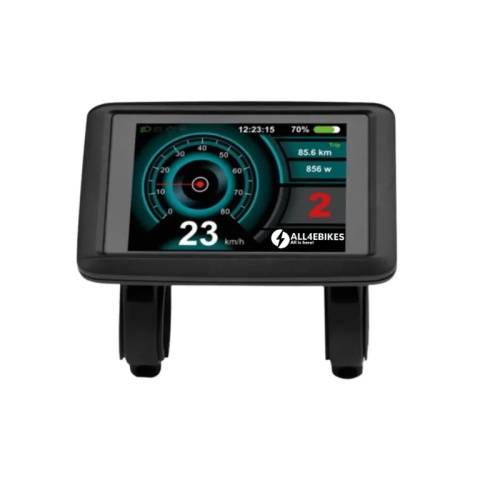
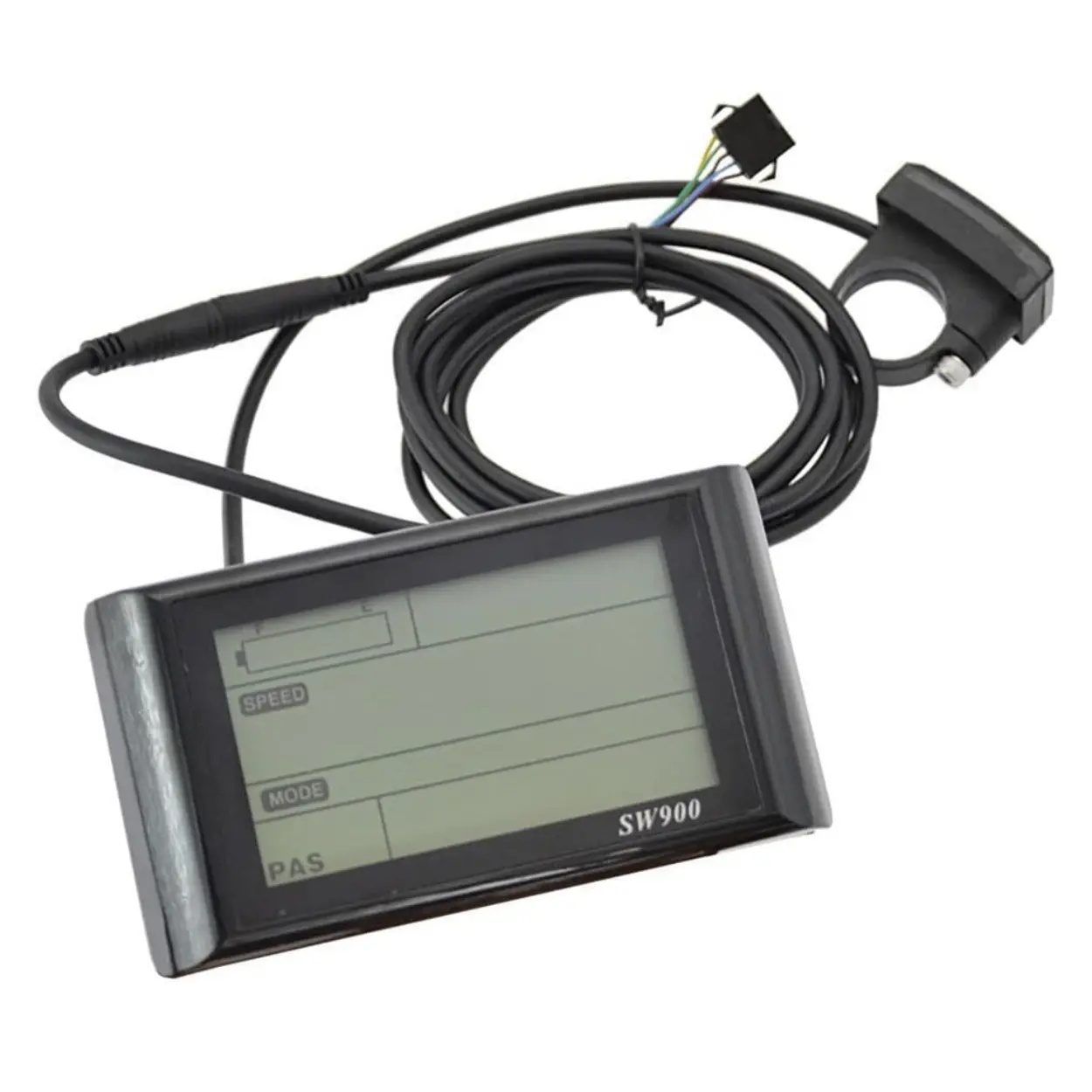
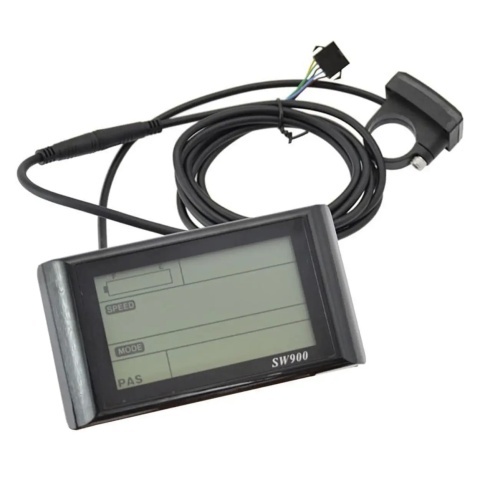
SW900 LCD Display for Electric Bike – eBike Screen 24V–72V with UART Protocol for Conversion Kits
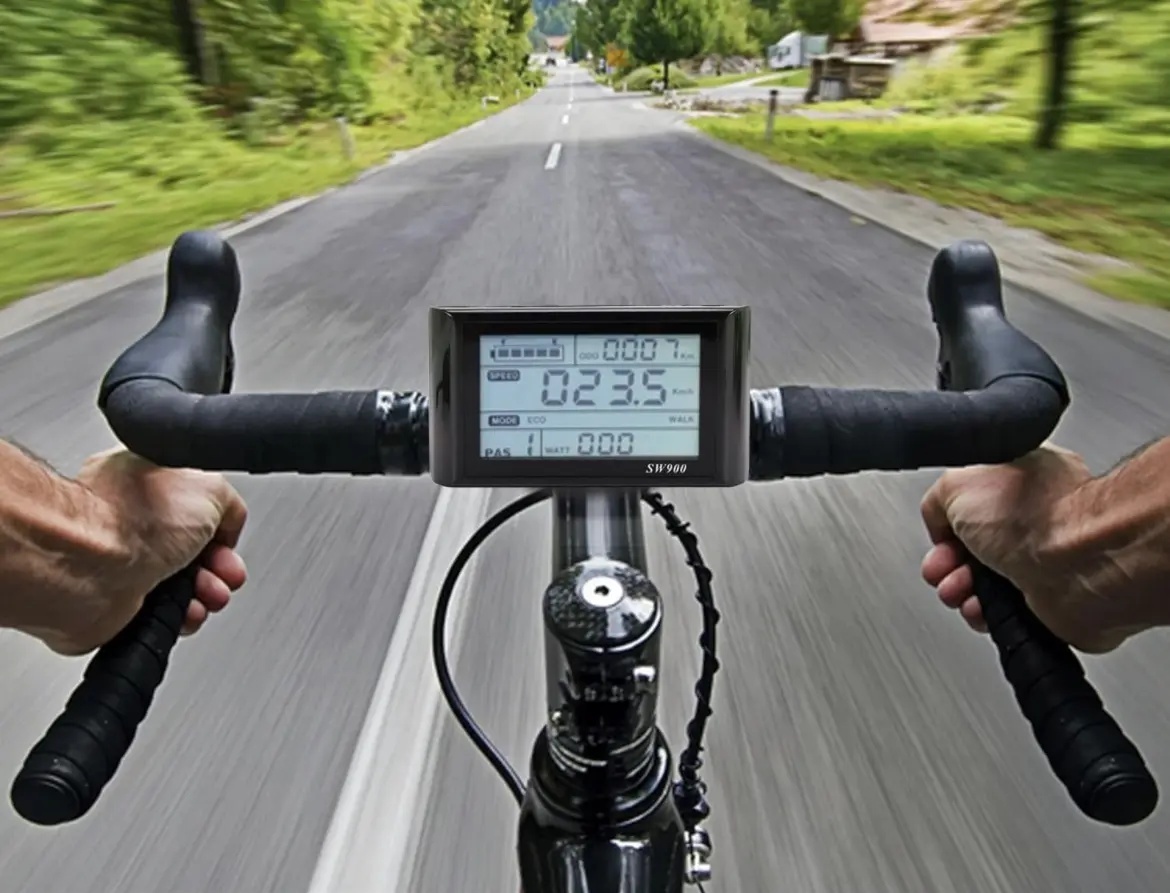
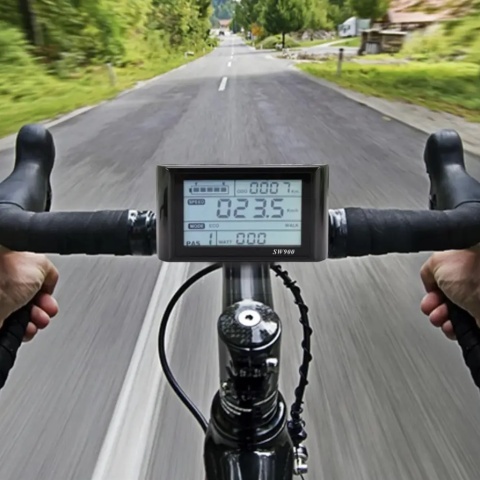
SW900 LCD display with large screen, multi-voltage 24V–72V compatibility and standard UART protocol. Shows real-time current, average and maximum speed, battery level, PAS level (0–9), trip and total distance (TRIP & ODO), motor wattage and error codes E0–E13. Included as standard in All4eBikes MTX kits 250W–3000W and available as a spare part or upgrade.
The SW900 is one of the most widely used displays for eBike conversion kits. The large LCD screen provides good readability even in direct sunlight, and the ABS shell with high-hardness acrylic screen (equivalent hardness to tempered glass) withstands intensive use and varying weather conditions. The three buttons — Up (+), M (Mode) and Down (−) — allow adjusting assist level, navigating menus and accessing all configuration parameters without tools or external apps.
Technical Specifications
Electrical Parameters
Displayed Information
Programmable Settings
Wire Colours – 7-Wire SW900 Connector
The SW900 uses a 7-wire connector. Wire colours and functions — useful for troubleshooting or reconnection:
| Wire colour | Code | Function |
|---|---|---|
| Red | D+ | Power positive |
| Black | GND | Power negative (ground) |
| Blue | DS | Controller electric door lock signal |
| Brown | DD+ | Lighting control positive (if controller supports it) |
| Green | RX | UART communication receive (data display ← controller) |
| Yellow | TX | UART communication transmit (data display → controller) |
| White | GND | Lighting control negative (headlight ground) |
Riding Modes
The SW900 supports 5 riding modes, selectable via parameter P10 or switchable while riding:
ECO — Economic
Reduced power, minimum consumption, maximum range. Best for flat urban commuting at low speed.
STD — Standard
Default mode. Balanced power-to-consumption ratio for everyday mixed-terrain use.
POWER — Full Power
All available power, higher consumption. Hills, difficult terrain or heavy loads.
SPEEDHANDLE — Throttle Only
Speed controlled exclusively by throttle. PAS disabled. Enabled via P10=1.
WALK — Walk Assist
Constant 6 km/h push assist for walking the bike alongside you — stairs, tight spaces, uphill pushing.
Three-Button Operation
Short press = under 1 second. Long press = hold for 2–3 seconds.
- Short: cycle multi-function zone data (ODO → TRIP → WATT → Error)
- Long: power screen on / off
- In menu — Short: move to next parameter and save current
- In menu — Long: save all and exit menu
- Short (riding): PAS level +1
- Short (in menu): increase parameter value
- Long: cycle speed display mode: current → MAX → AVG
- Up + Down simultaneously 3–4 sec: enter settings menu P01–P16
- Short (riding): PAS level −1
- Short (in menu): decrease parameter value
- Up + Down simultaneously 3–4 sec: enter settings menu P01–P16
- Long (bike stopped): activate WALK mode 6 km/h — release to exit
- Long: toggle headlight on / off
Error Codes E0–E13
Error codes appear in the multi-function zone of the screen. Code E0 means normal operation. Any other code indicates a specific condition:
| Code | Status | Recommended action |
|---|---|---|
| E0 | Normal — no error | — |
| E1 | Save operation active | Informational, no action needed |
| E2 | Brakes applied — motor cut off | Fully release the brake levers |
| E3 | PAS fault (not implemented in current firmware) | Informational |
| E4 | 6 km/h cruise (WALK) active | Informational — WALK mode engaged |
| E5 | Real-time cruise control active | Informational — cruise engaged |
| E6 | Battery undervoltage | Charge battery. Verify voltage setting in P03 matches your battery |
| E7 | Motor fault | Check motor ↔ controller connections (3-phase wires + Hall sensors) |
| E8 | Throttle fault | Check throttle wiring. Possible short circuit or mechanical defect |
| E9 | Controller fault | Check controller power supply and main connections |
| E10 | Communication receive error | Check green wire (RX) between display and controller |
| E11 | Communication transmit error | Check yellow wire (TX) between display and controller |
| E12 | BMS battery communication error | Check battery connection and BMS status |
| E13 | Headlight fault | Check headlight wiring and white wire (lighting GND) |
Programmable Parameters P01–P16
Enter menu: press Up + Down simultaneously for 3–4 seconds. Navigate: short M. Adjust: Up / Down. Save & exit: long M.
| Param | Function | Values / Notes |
|---|---|---|
| P01 | Screen backlight brightness | 1 = darkest | 3 = brightest |
| P02 | Distance unit | 0 = Kilometres (KM) | 1 = Miles (MILE) |
| P03 | System voltage | 24V / 36V / 48V / 52V / 72V. Default: 36V. Set according to your battery voltage. |
| P04 | Auto sleep / standby time | 0 = no sleep | 1–60 = minutes until automatic power-off |
| P05 | Number of PAS levels | 0 = 3 levels (2V / 3V / 4V) | 1 = 5 levels (2V / 2.5V / 3V / 3.5V / 4V) |
| P06 | Wheel diameter | In inches, precision 0.1. Examples: 26.0 / 27.5 / 29.0 |
| P07 | Speed sensor magnets | Range: 1–100. Check your kit’s speed sensor specifications |
| P08 | Speed limit | 0–50 km/h. 50 = no limit. Applies to PAS; throttle may be unrestricted in non-communication mode |
| P09 | Zero Start / Non-zero Start | 0 = Zero Start (pedal before motor engages) | 1 = Non-zero Start (motor engages immediately) |
| P10 | Drive mode | 0 = PAS only | 1 = throttle only | 2 = PAS + throttle (throttle disabled at zero start) |
| P11 | PAS sensitivity | 1–24. Lower values = faster motor response to pedalling input |
| P12 | PAS start power | 0–5. Motor power level at the first detected PAS signal |
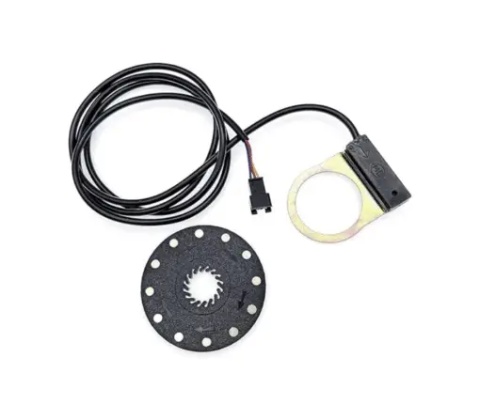
| P13 | PAS magnet type | 3 options: 5 / 8 / 12 magnets. Check your PAS sensor (All4eBikes standard: 12) |
| P14 | Controller current limit | 1–20A. Default: 12A. Increase gradually if you need more starting torque |
| P15 | Not implemented | Reserved for future firmware. Do not modify. |
| P16 | Reset total odometer (ODO) | Long-press M button for 5 seconds to reset total distance to zero |
Compatibility and Use Cases
Replacement Display
Direct replacement for the SW900 included in any All4eBikes MTX kit 250W–3000W. Same UART protocol, same connector, identical mounting.
Display Upgrade
Upgrade from a basic LED display or limited information screen to a full LCD with speed, ODO, WATT, error codes and 16 programmable parameters.
DIY UART Builds
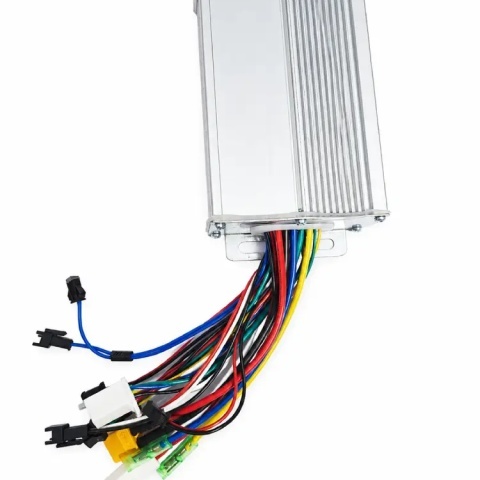
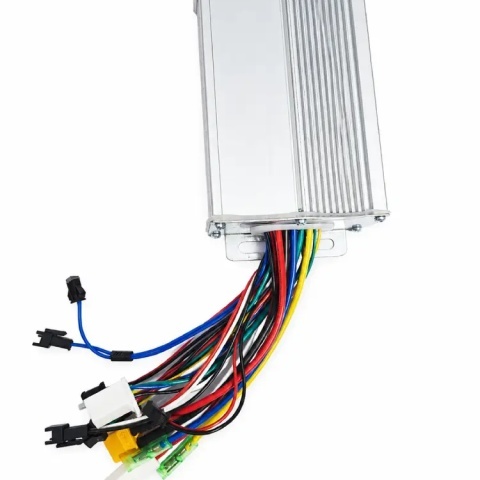
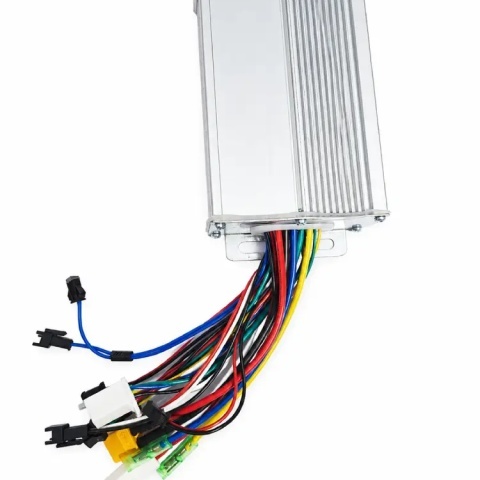
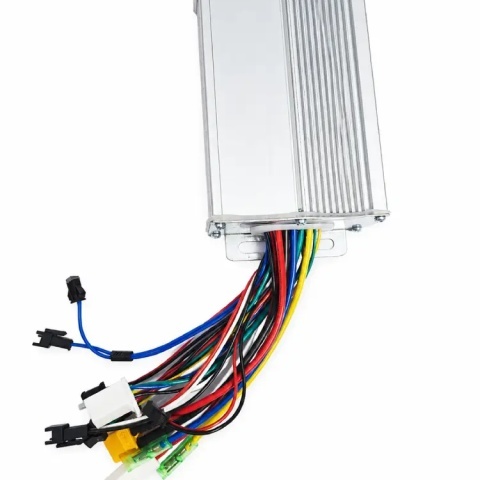
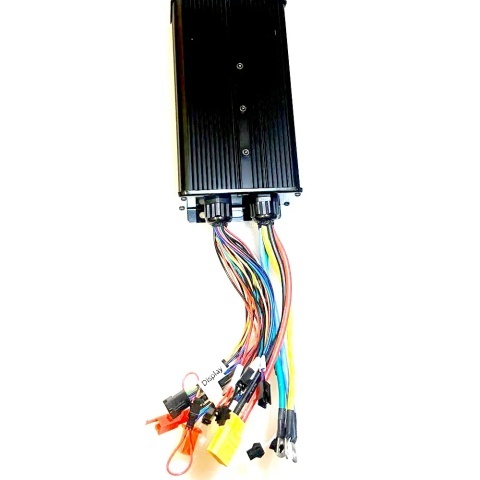
Essential component for any DIY conversion with a UART controller — compatible with 17A, 22A, 26A, 35A, 45A and 60A controllers from the All4eBikes range.